Profile Settings & Onboarding
Manage your personal settings, security, and track your onboarding progress.
Onboarding Checklist
When you first join YourCalls, an onboarding progress bar guides you through the essential setup steps:
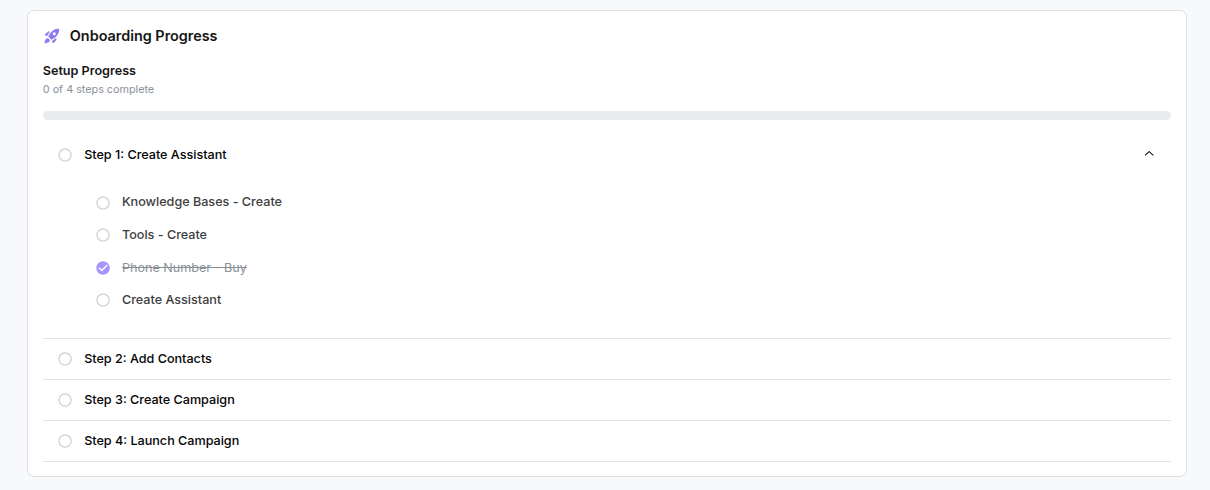
- Knowledge Base: Upload documents (like FAQs or policies) so your assistant can answer questions accurately. → Open Knowledge Base ↗ | See Knowledge Base Overview.
- Tools: Create specific actions your assistant can take during a call, such as transferring to a human operator. → Open Tools ↗ | See Tools Overview.
- Phone Number: Purchase a US or UK number to handle your inbound and outbound calls. → Open Phone Numbers ↗ | See Managing Phone Numbers.
- Assistant: Build your voice agent using the Visual Flow Builder, giving it a persona and connecting your knowledge bases and tools. → Open Assistants ↗ | See Managing Assistants.
- Contacts: Import a list of customers or leads you want to call. → Open Contacts ↗ | See Managing Contacts.
- Create Campaign: Configure an outbound campaign with scheduling and concurrency settings, targeting your imported contacts. → Open Campaigns ↗ | See Creating Campaigns.
- Launch Campaign: Start the campaign and watch the calls happen in real time.
Completing these steps ensures your account is fully set up and ready to orchestrate calls.
Profile Management
Updating Profile
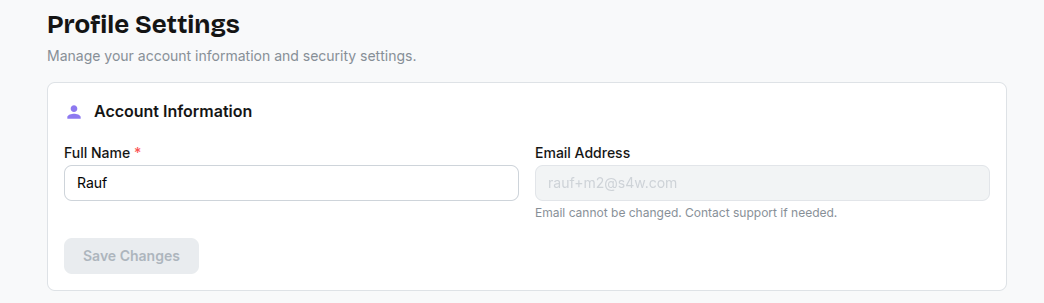
- Go to Settings > Profile.
- Update your name or email.
- Click Save Changes.
Changing Password
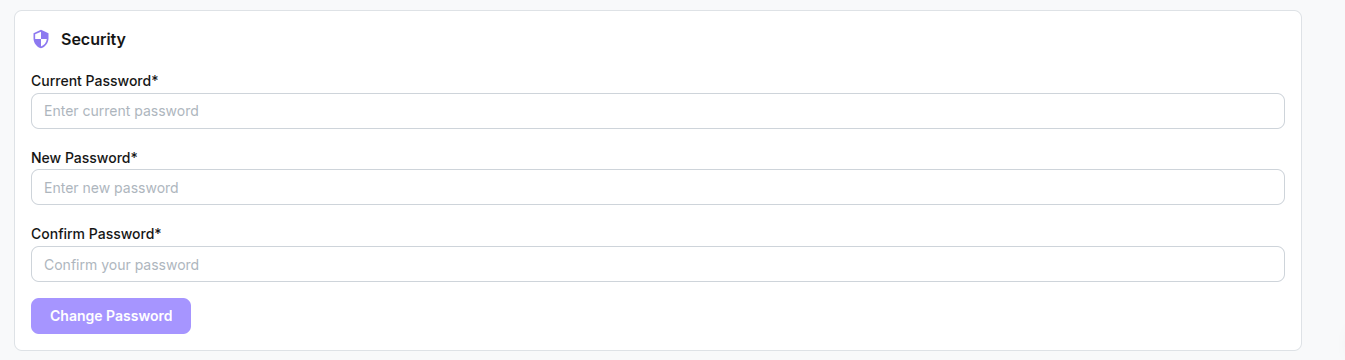
- Go to Settings > Profile.
- Enter your current password and new password.
- Click Update Password.
Cancelling Your Subscription
You can unsubscribe from your plan at any time. Only account admins can open Settings > Billing, so only they can cancel.
- Go to Settings > Billing.
- Click Cancel subscription.
- Click Continue to cancel, then confirm on the billing page.
- Your account will remain active until the end of your current billing period.
Until your plan ends, you can keep it by clicking Undo cancellation in Settings > Billing.
Deleting Your Account
caution
Account deletion is permanent and cannot be undone.
If you wish to permanently delete your account and all associated data, please contact our support team at support@yourcalls.ai. Account deletion requests are processed manually to ensure all data is handled securely.