Sign In / Sign Out
Sign in
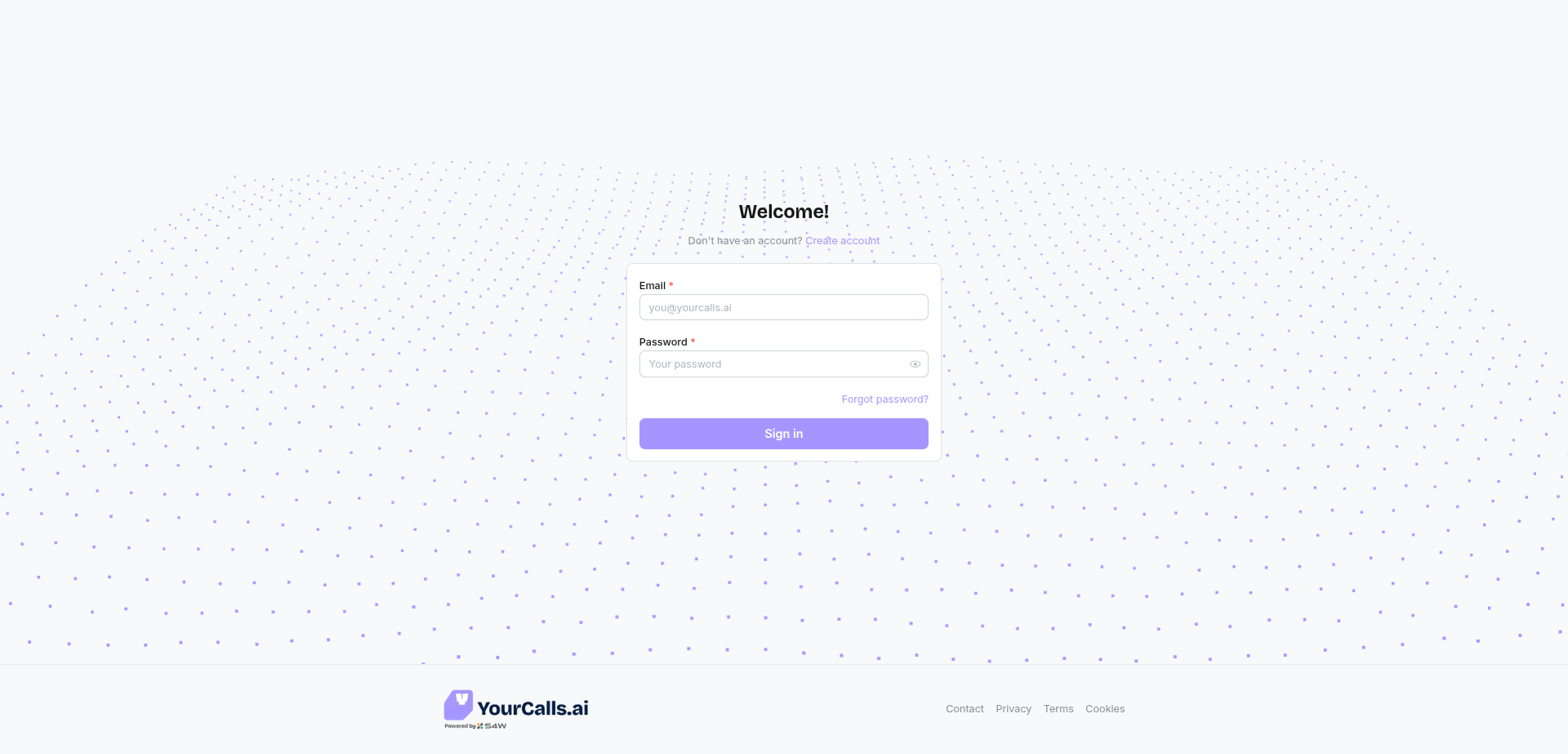
- Go to the Sign In page.
- Enter your Email and Password.
- Click Sign in.
- If you have just signed up, ensure your email is verified.
Sign out
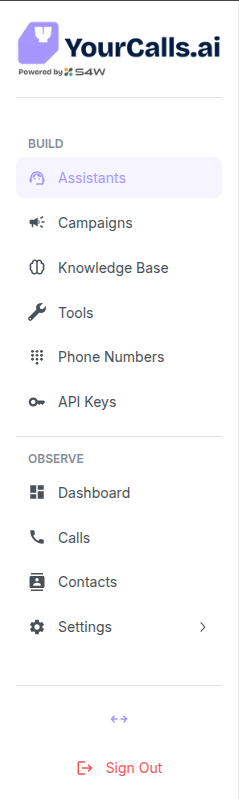
- Look for the Sign out button in the bottom left sidebar navigation.
- Click to sign out immediately.