Managing Phone Numbers
Phone numbers are essential for connecting your assistants to the outside world. You need at least one phone number to receive inbound calls or launch outbound campaigns.
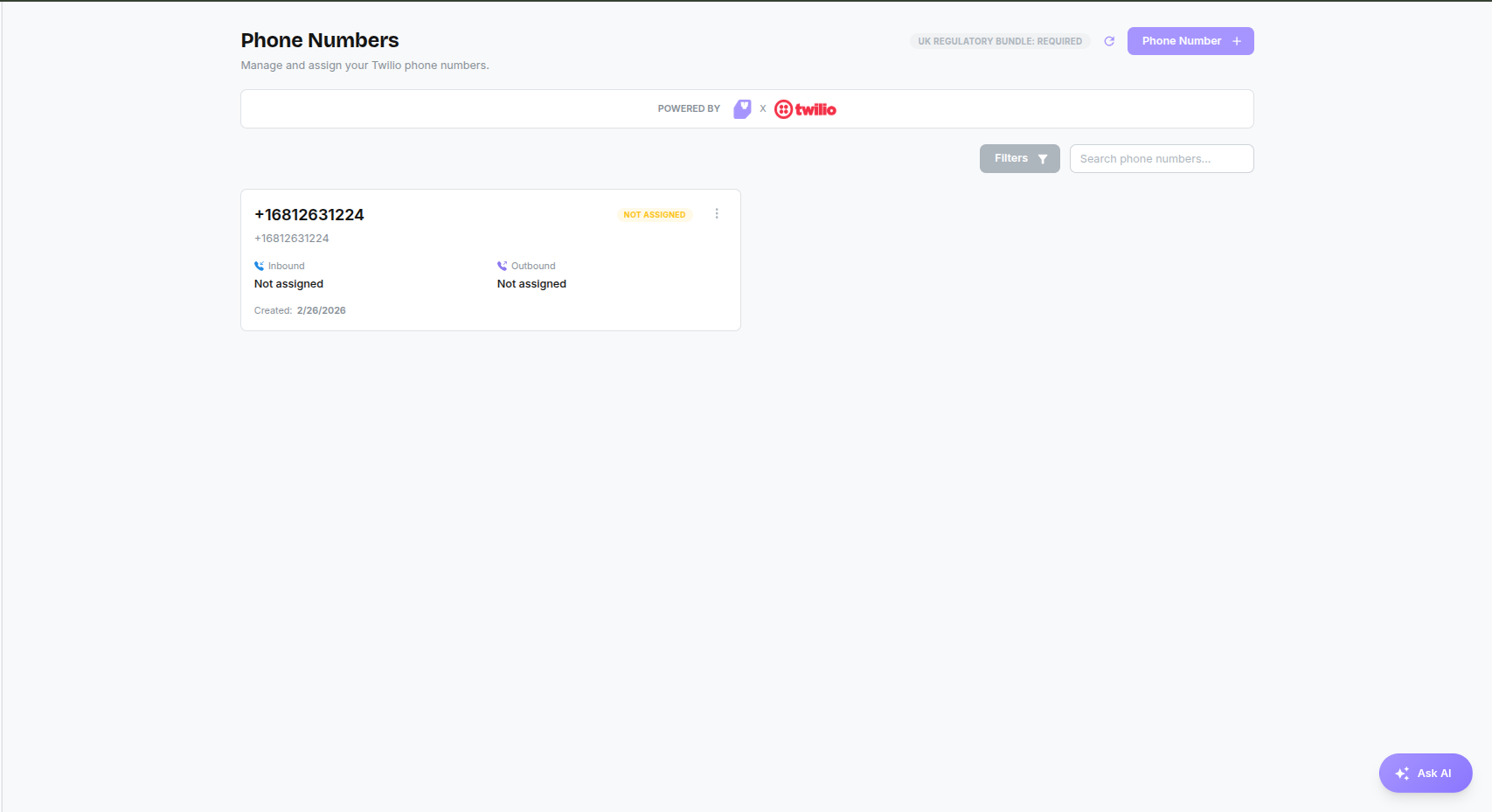
Purchasing a Number
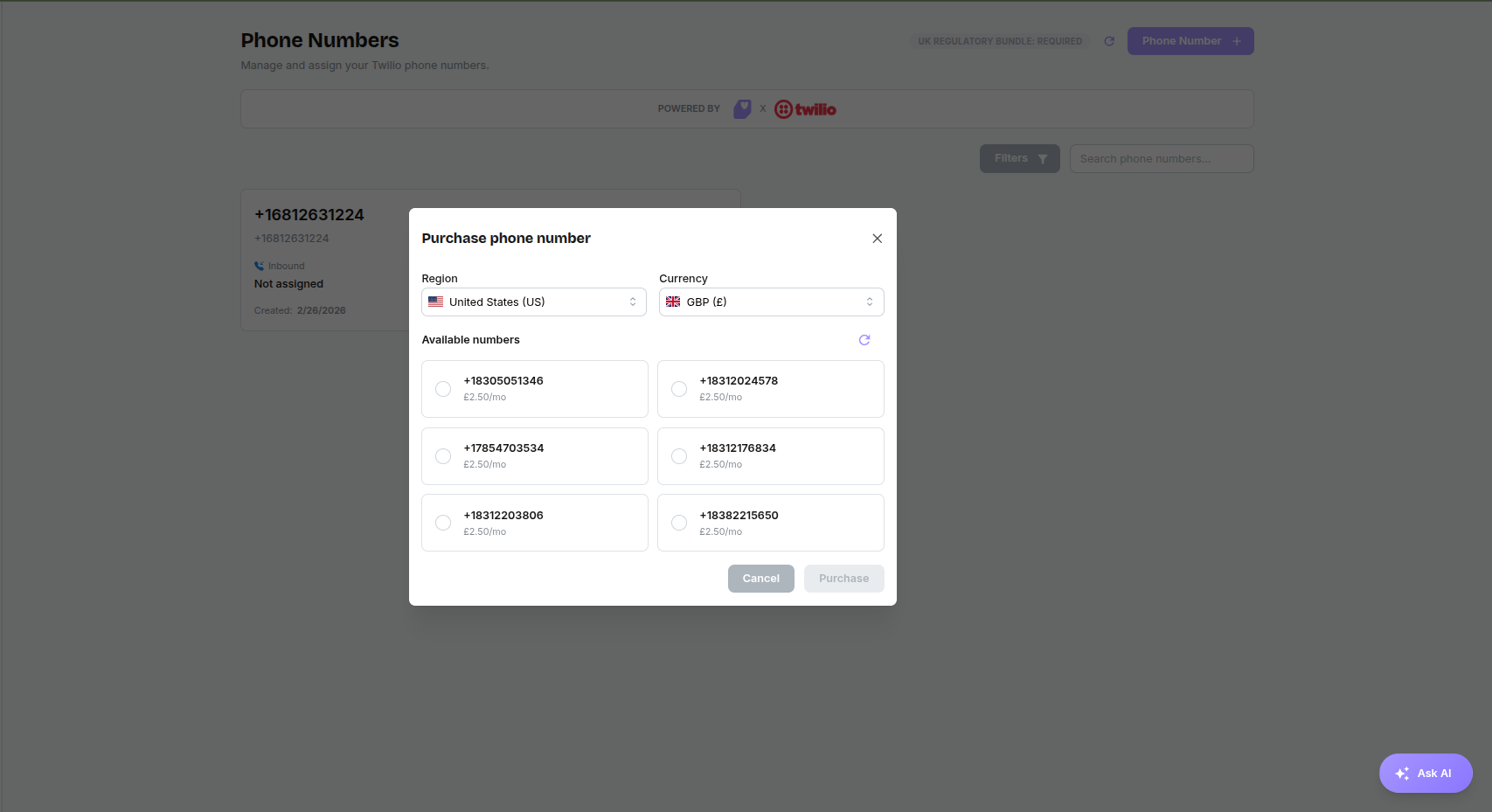
- Click the + Phone Number button in the top right.
- Select Region: Choose between US or GB (UK).
- Note for UK Numbers: You must have an Approved Regulatory Bundle to purchase UK numbers. The status is displayed in a badge at the top of the page.
- Choose a Number: Browse the list of available numbers and select one.
- Purchase: Click Purchase. The next step shows the monthly price, the amount taken from your credit today (a share of the monthly price for the rest of your billing period) and your credit balance. Click Confirm purchase. After that, the monthly price comes from your credit on each renewal date.
- If your credit does not cover today's charge, add credit or turn on auto top-up from the same step.
Assigning Assistants
Once you have a number, you must tell it how to handle calls:
- Click the Edit (pencil) icon on the phone number card.
- Inbound Assistant: Select which assistant should answer incoming calls.
- Outbound Assistant: Select which assistant should use this number for outbound campaigns.
- Click Save.
Regulatory Bundles (UK Only)
If you require UK numbers, you must submit a Regulatory Bundle:
- If your status is not 'Approved', click the status badge or the Refresh icon.
- Follow the prompts to provide your business details for verification.
- Approval typically takes a few days.