Call History
View logs, recordings, and details for all calls made or received by your assistants.
You can access call history from the dashboard at /client/calls.
Dashboard Overview
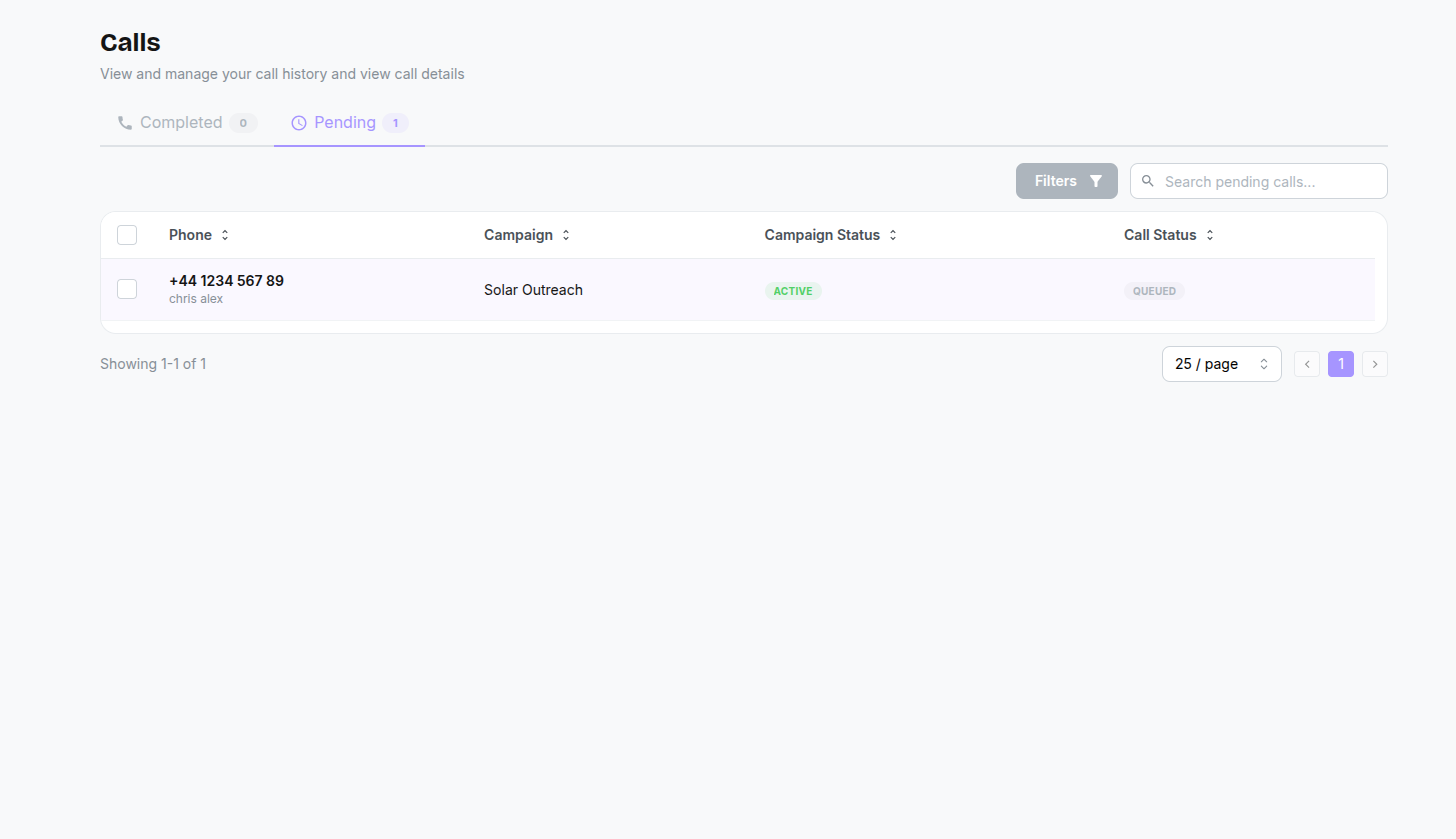
The Calls page is divided into two tabs:
- Completed: History of finished calls.
- Pending: Calls currently scheduled or in progress.
When filtering by a specific campaign or assistant (for example, from a Campaign details page), a banner appears at the top showing which filter is active, with a Clear Filter button.
Filtering
You can filter the call list by:
- Campaign: View calls from a specific campaign.
- Assistant: View calls handled by a specific assistant.
Call Details
Click on any row in the table to open the Call Detail Panel. Here you can find:
Recording
Listen to a full playback of the call audio directly in the browser. Use the play/pause controls and scrub through the timeline.
Transcript
Read the complete text log of the conversation, showing both the AI assistant's responses and the caller's speech.
Analysis
View the AI's evaluation of the call:
- Sentiment Score: A numerical score reflecting the overall tone of the call (e.g., 8.0 out of 10).
- Traffic Light: A colour-coded indicator — Green (positive), Yellow (neutral), or Red (negative).
- Pass/Fail: Whether the call met the success criteria defined in your assistant's Context Panel.
- Feedback Summary: A brief AI-generated summary of how the call went and why it was scored the way it was.
Metadata
Technical details about the call:
- Duration: Total length of the call.
- Timestamps: When the call started and ended.
- Phone Numbers: The "from" and "to" numbers involved.
- Direction: Whether it was an Inbound or Outbound call.
- Cost: The cost of the call based on your plan.